
Let your system call via API
With an API, your own system starts outbound calls from an AI phone agent. Real Talk, the Nordic AI phone agent, receives the commands and handles the conversations.
POST /api/v1/outbound-calls/

{
  "agent_id": "your-agent-id",
  "phone_number": "+46701234567",
  "extra_context": {
    "name": "Sara Lind",
    "car": "Volvo XC60, ABC 123",
    "latest_visit": "Tyre change in March"
  }
}
What your system can do
Start a call
Events in your system
calls started today
- 09:12DoneAgent calling
Booking abandoned
Help to rebook
- 09:14DoneAgent calling
Payment received
Confirmation and thanks
- 09:20DoneAgent calling
Contract ends in 30 days
Renewal offer
- 09:31DoneAgent calling
Delivery delayed
New delivery time
Send the customer details
From your system
Hi Sara! Your Volvo XC60 is due for a service. It's covered by your service plan, and at the tyre change in March we noticed worn wiper blades. Shall we replace them at the same time?
Follow the attempt
Calls
3,146 calls
- +46 75 ••• •• 8511:46Fault reportResolved by the agent5
- +46 74 ••• •• 4811:45Opening hoursThe agent could have answered5
- +46 73 ••• •• 1111:44Complaint4
- +46 72 ••• •• 7411:43InvoiceResolved by the agent4
- +46 71 ••• •• 3711:42BookingResolved by the agent5
- +46 70 ••• •• 0011:41Delivery statusThe agent could have answered5
Fetch the call
Calls reviewed today
Every call reviewedFollowed the instructions: pointed to fault reporting and offered the link by text.
How you connect your system
The integration consists of a few steps.
- 1
Prepare with an API key
Outbound calls are switched on for your organisation. After that, you secure the connection with an API key.
- 2
Choose the agent
You define which agent handles the dialling.
- 3
Make a request
Your system sends the command when a certain condition is met.
- 4
Receive the outcome
The result and the call return to your system. This happens either through the request or via a webhook.
Steer with events
Your system decides when it is time to call. This can be a car that is ready at the workshop or time for a tyre change. Other examples are a cancelled booking or a delayed delivery.
How outbound calls work →Call list: autumn service invitation
- +46 70 ••• •• 12Booked Tuesday 10:00
- +46 73 ••• •• 20Already booked
- +46 79 ••• •• 66Booked Thursday 16:00
- +46 70 ••• •• 37Booked Wednesday 08:15
The result returns
The response to the call reaches your system the same way or via a webhook afterwards. Through the same interface you also access the knowledge base, statistics and your tests.
Read about integrations →Protection of your details
Each key belongs to a specific organisation and only gives access to that information. The content is encrypted and processed in data centres within the EU.
Read about data security →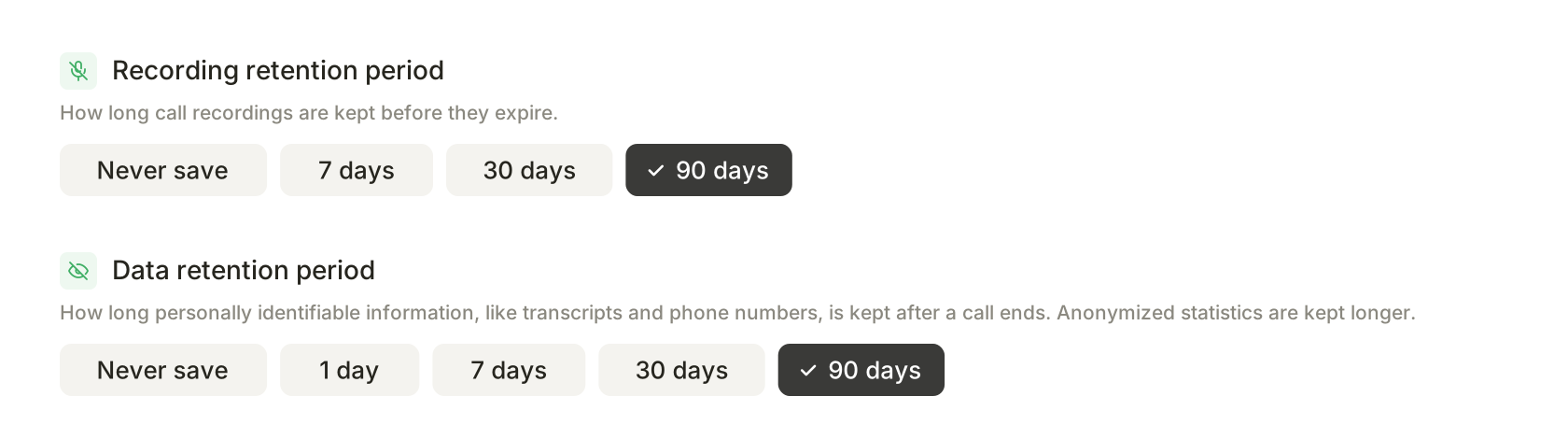
Get started with the connection
Contact us or book a demo. We then go through the setup with you.
Contact us →Your material
Test calls from your staff
- Customer service
- Finance
- Management